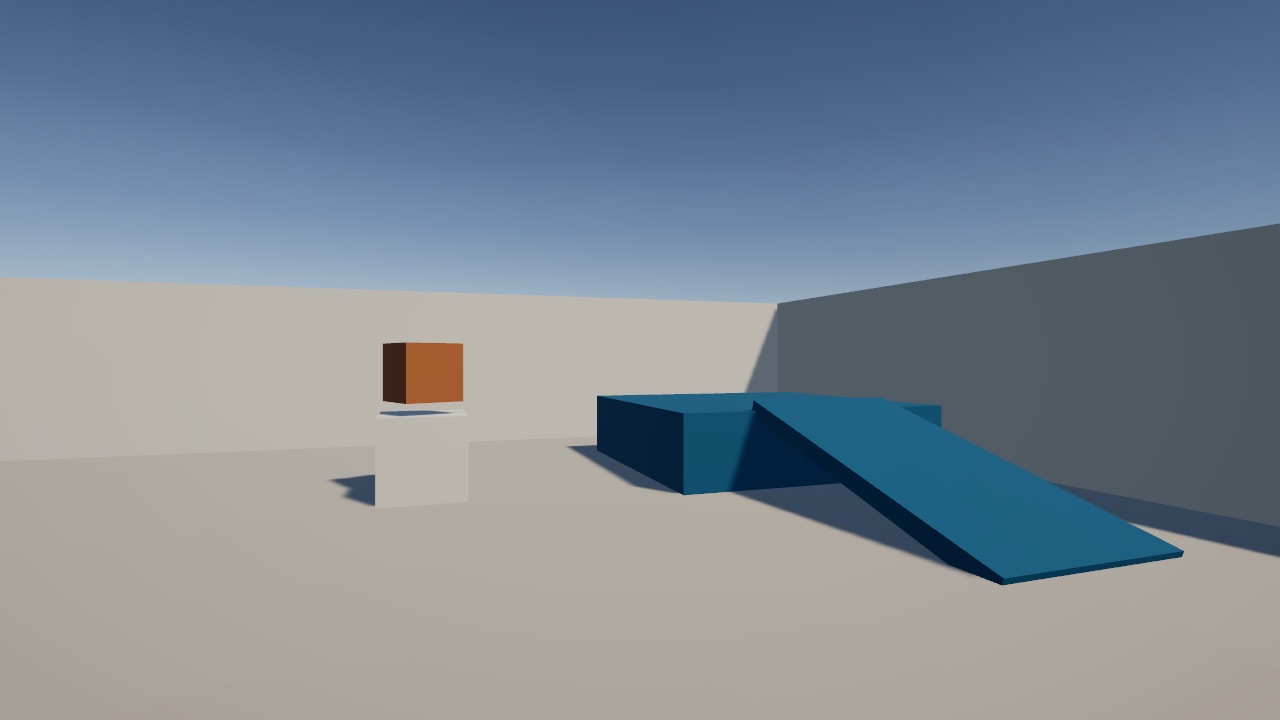
Starter
A courtyard with a ramp, a step and a spinning cube. Every new world begins as a copy of it.
Walk it How it's builtPlay a world on your computer or phone, open the same world in Unity, change how it works, and add your own with a pull request. When it merges, it goes live here. No Unity experience needed.
A courtyard with a ramp, a step and a spinning cube. Every new world begins as a copy of it.
Walk it How it's built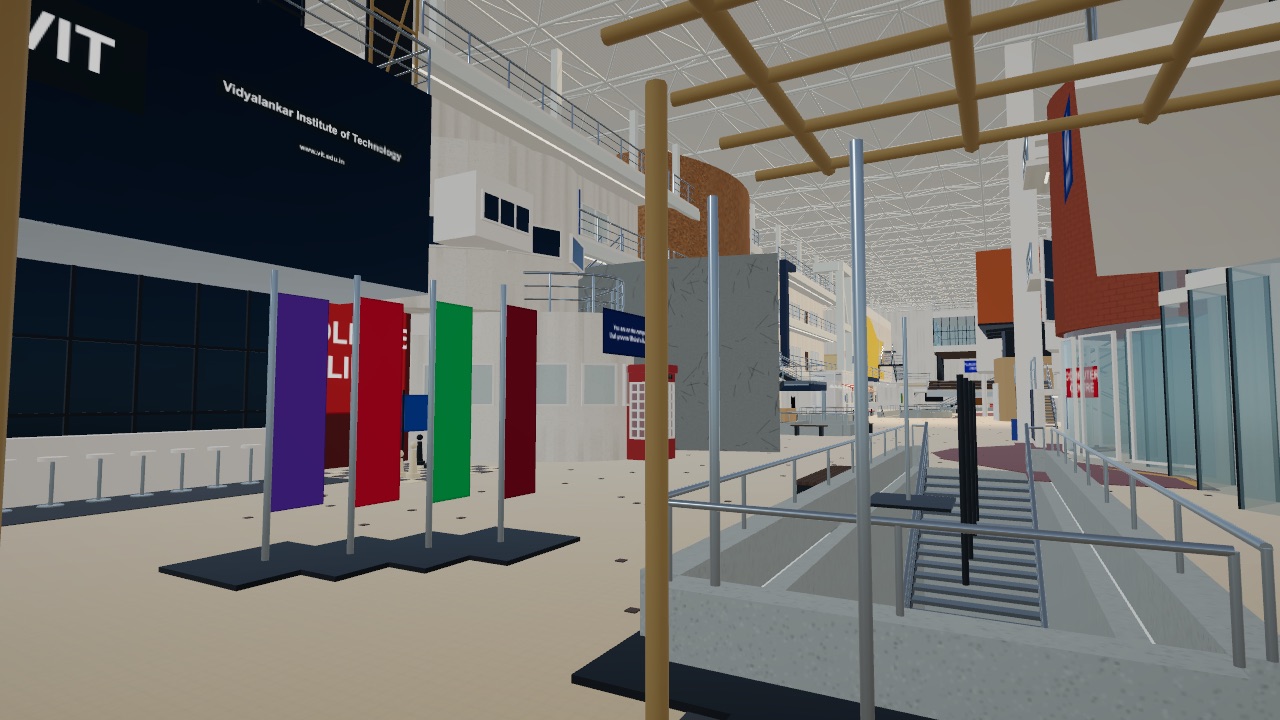
Level 1 of the VIT main building, generated from code. Eight viewpoints and three working staircases.
Walk it How it's built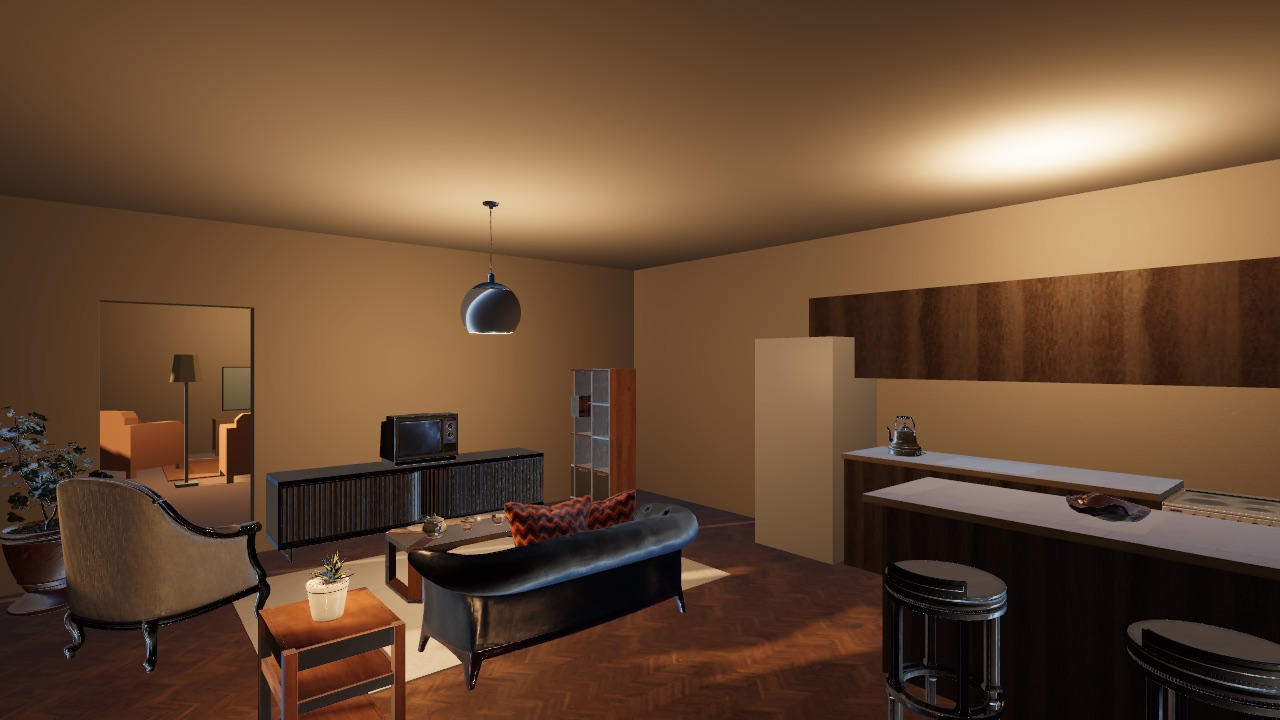
A cozy living room and kitchen, built twice so you can compare: low-poly and realistic.
Walk it How it's builtOn a phone, your left thumb moves and your right thumb looks. Each world is a 10 MB to 28 MB download there.
Six lessons, in order. Each one opens real code from these worlds and ends with something for you to change. Stop reading the moment you want to build.
Your first world can be one room. A small place you made yourself beats a big plan that never ships.
Learn Unity > New world and give it a name